Appearance
How to set your library's opening hours
Your opening hours decide when seats can be booked. Slot presets are split across them, and hourly bookings can only be made within them.
Who can do thisOwner, Org admin by default, or any staff role given Org Settings → Manage in Settings → Staff role permissions.
Steps
- In the left menu, click Settings.
- On the Organization tab, open General.
- Under Hours & pricing, choose the Opening hour and Closing hour.
- Scroll down and click Save changes.
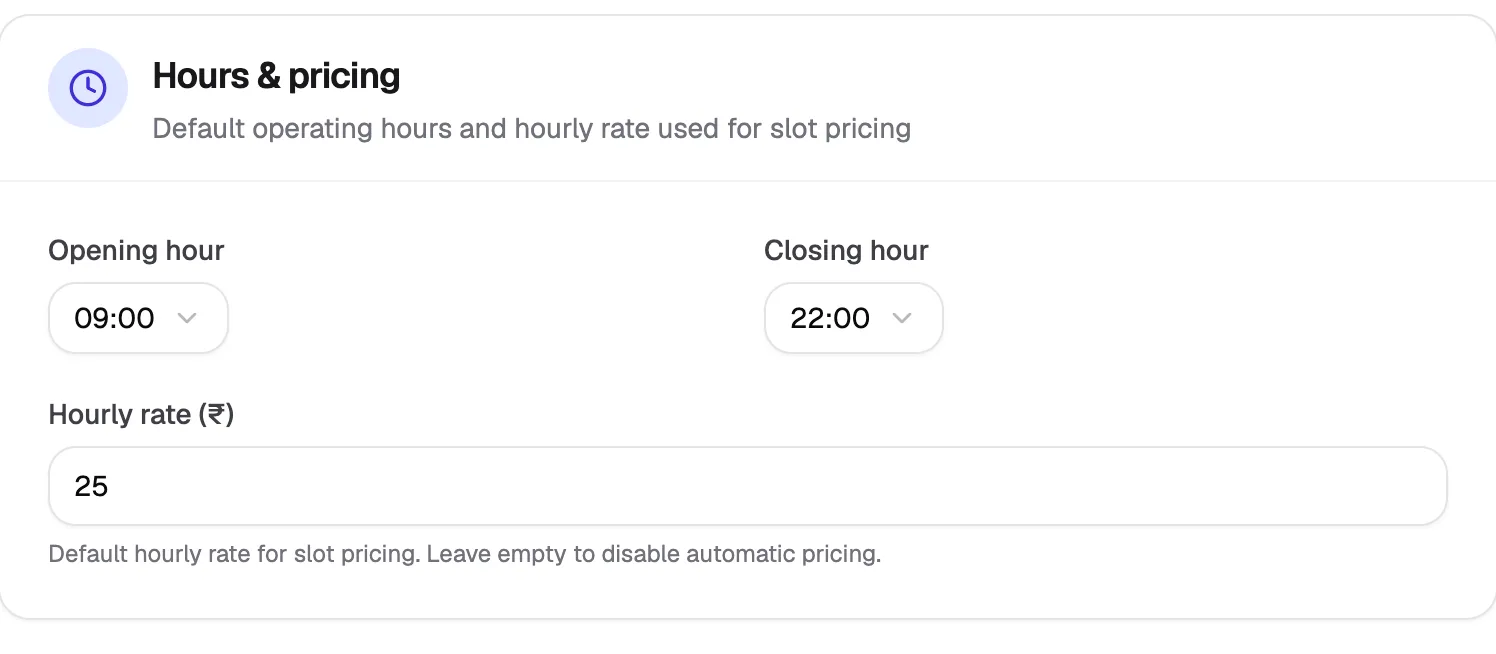
- Opening hourWhen your library opens
- Closing hourWhen it closes
- Hourly rate (₹)Price per hour for hourly seats
You can also change the hours from Slots → Edit hours, or in step 2 of the setup wizard.
What happens next
- The Slots page shows your new hours, and new presets are split across them.
- The hourly booking grid shows only these hours.
- Existing slots outside the new hours stay as they are. Edit them on the Slots page if needed.