Appearance
How to renew your Librarify plan
Renew before your plan ends so your library keeps working without a break.
Who can do this
The library owner or an Org admin. Only they can pay for the plan.
Check your plan
In the left menu, click Subscription, then Current Status. You see your plan, its status, the price and Paid through, the date your plan covers you until. Auto-renewal shows whether it renews by itself.
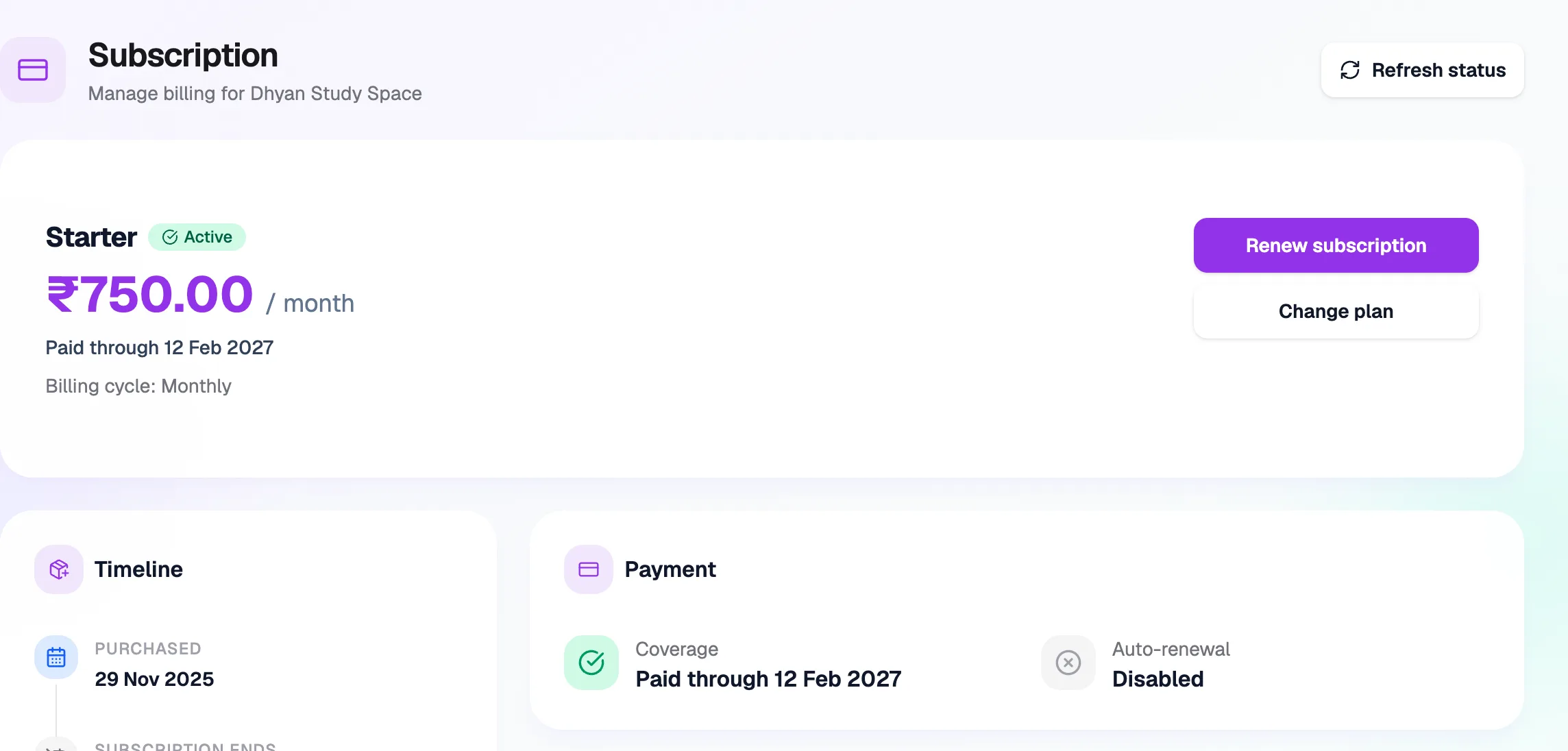
- Your planName and status
- Paid throughCovered until this date
- Renew subscriptionPay for the next period
- Change planSwitch plan or billing
Renew
- Click Renew subscription.
- On the checkout page, check the amount. If you have a Librarify coupon, enter it in Enter coupon code.
- Click Pay ₹… to renew and complete the payment in Razorpay.
Your Paid through date moves forward once the payment succeeds. Click Refresh status if it hasn't updated yet.
If your plan renews automatically, you'll see "This subscription renews automatically". There's nothing to do. To change billing, use Change plan.