Appearance
How to start your free 15-day trial
When Librarify is running a free-trial offer, signing up from the offer gives your account a free trial. The current offer is 15 days of the Starter plan, with no payment and no card.
If your dashboard doesn't show a trial, see No trial on your dashboard?
Before you start
- Sign up for a Librarify account from the free-trial offer link.
- Pick a name for your library and a short web address for it, such as
dhyanstudy.
Steps
- Log in. If your account has a trial, your dashboard shows You unlocked a free 15-day trial!
- Click Start my free 15-day trial.
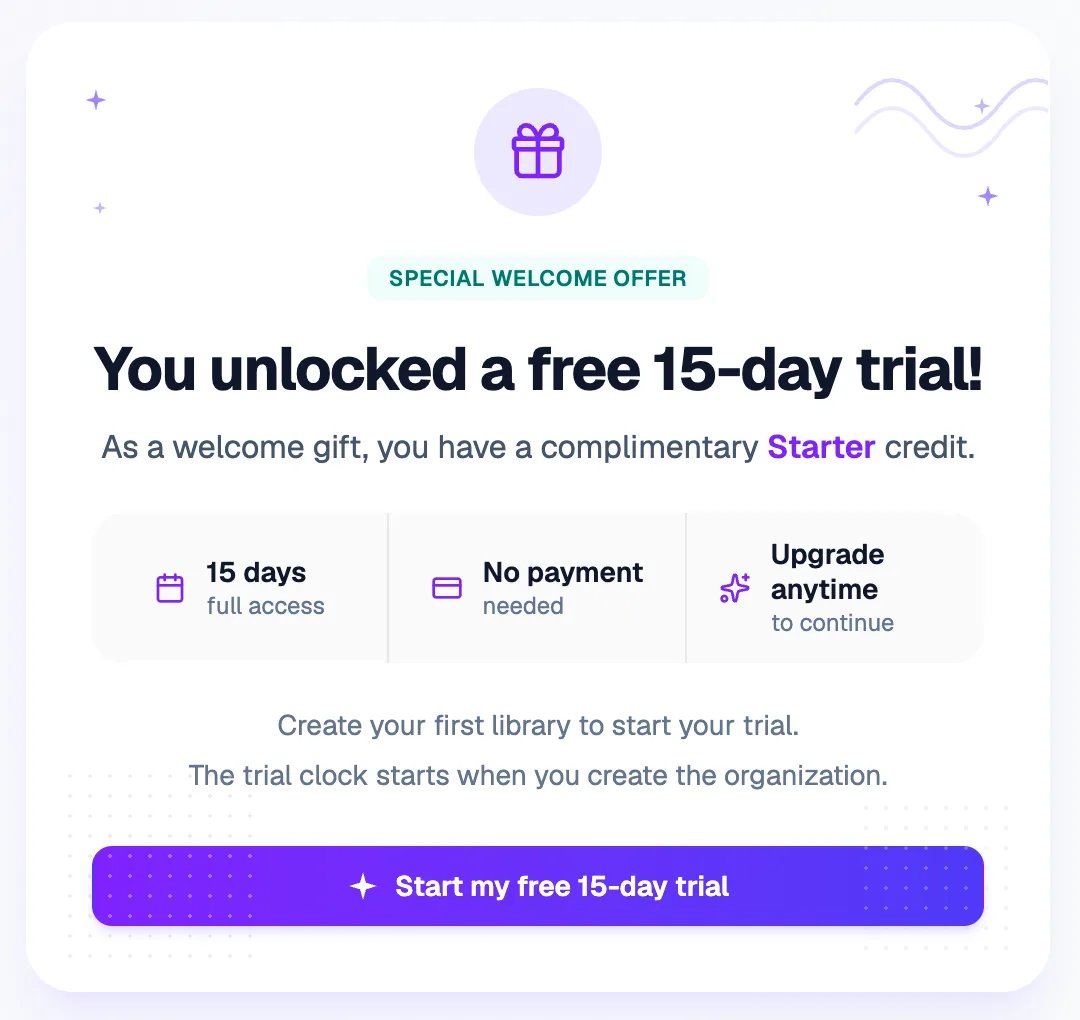
Start my free 15-day trial The trial starts when you create your library, not before.
- On Create Your Organization, check the note above the button. It says Free 15-day signup trial — Starter, so this library will use your trial. If you've also bought a plan, click Change credit to choose which one to use.
- Enter your library's Organization Name (at least 2 characters). Librarify fills in a Subdomain from it.
- Check the Subdomain. Your library's address will be
subdomain.librarify.in. It must be 4 to 20 characters, start with a letter, and use only lowercase letters, numbers and hyphens. Some names are reserved. Librarify checks that it's free while you type. - Click Create Organization.
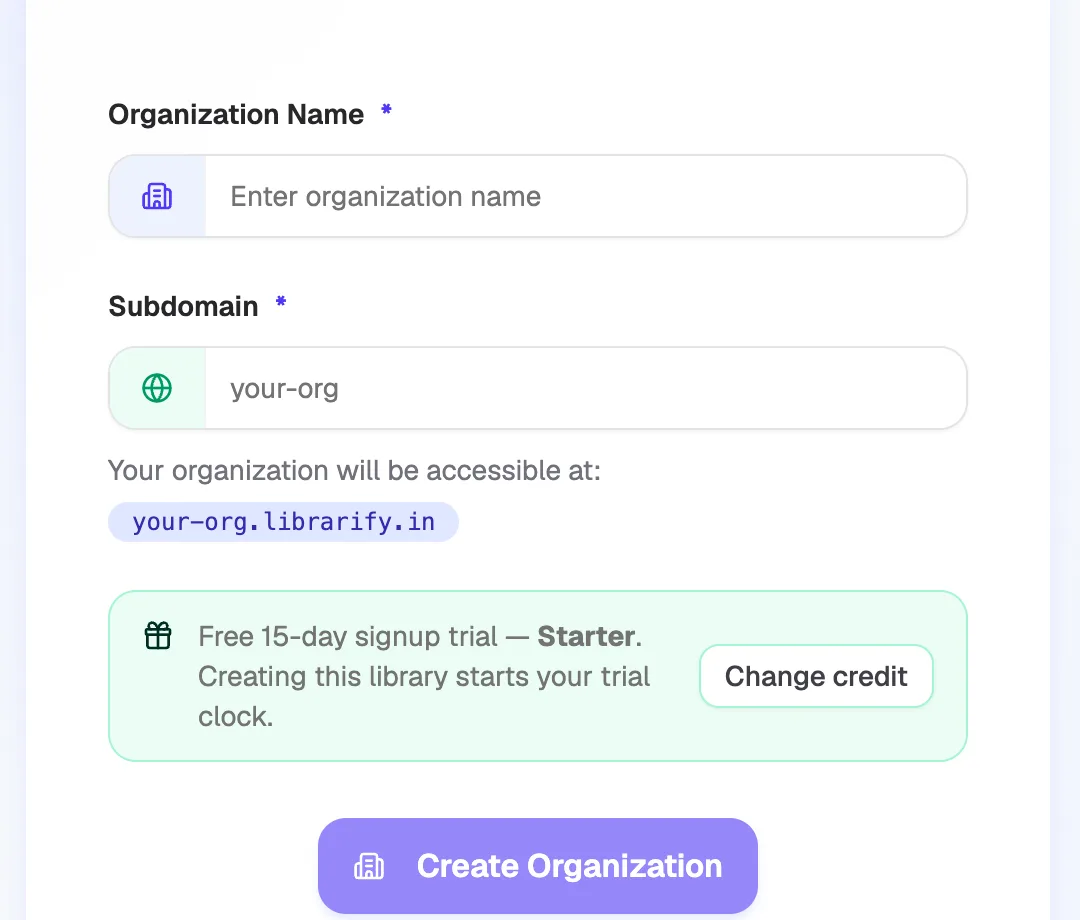
- Organization NameYour library's name
- SubdomainYour library's web address
- Free 15-day signup trialShows the trial is being used
- Create OrganizationCreates the library and starts the trial
What happens next
- You see "Organization created successfully!" and the setup wizard opens to help you add seats, hours, slots and members.
- Your 15 days start now. Everything on the Starter plan is available during the trial.
- To keep going after the trial, buy a plan before it ends.
Want to look around first?
On the trial screen, click Preview with demo data to explore Librarify with sample data before you create your library.
No trial on your dashboard?
Accounts created without a trial offer don't get a trial. Your dashboard shows Create your first library instead:
- Click Create your first library.
- Choose a plan and pay. See How to buy a plan.
- Then create your library as in steps 3 to 6 above.
To look around before you pay, click Take a quick tour (Demo).