Appearance
How to change your plan
Move to another plan, or between monthly and yearly billing.
Who can do this
The library owner or an Org admin. Only they can pay for the plan.
Steps
- In the left menu, click Subscription, then Current Status.
- Click Change plan.
- Under Select new plan, choose Monthly or Yearly, then pick a plan.
- Check the amount on the pay button. It already takes off any credit left on your current plan.
- Click the pay button and complete the payment, or click Cancel to keep your current plan.
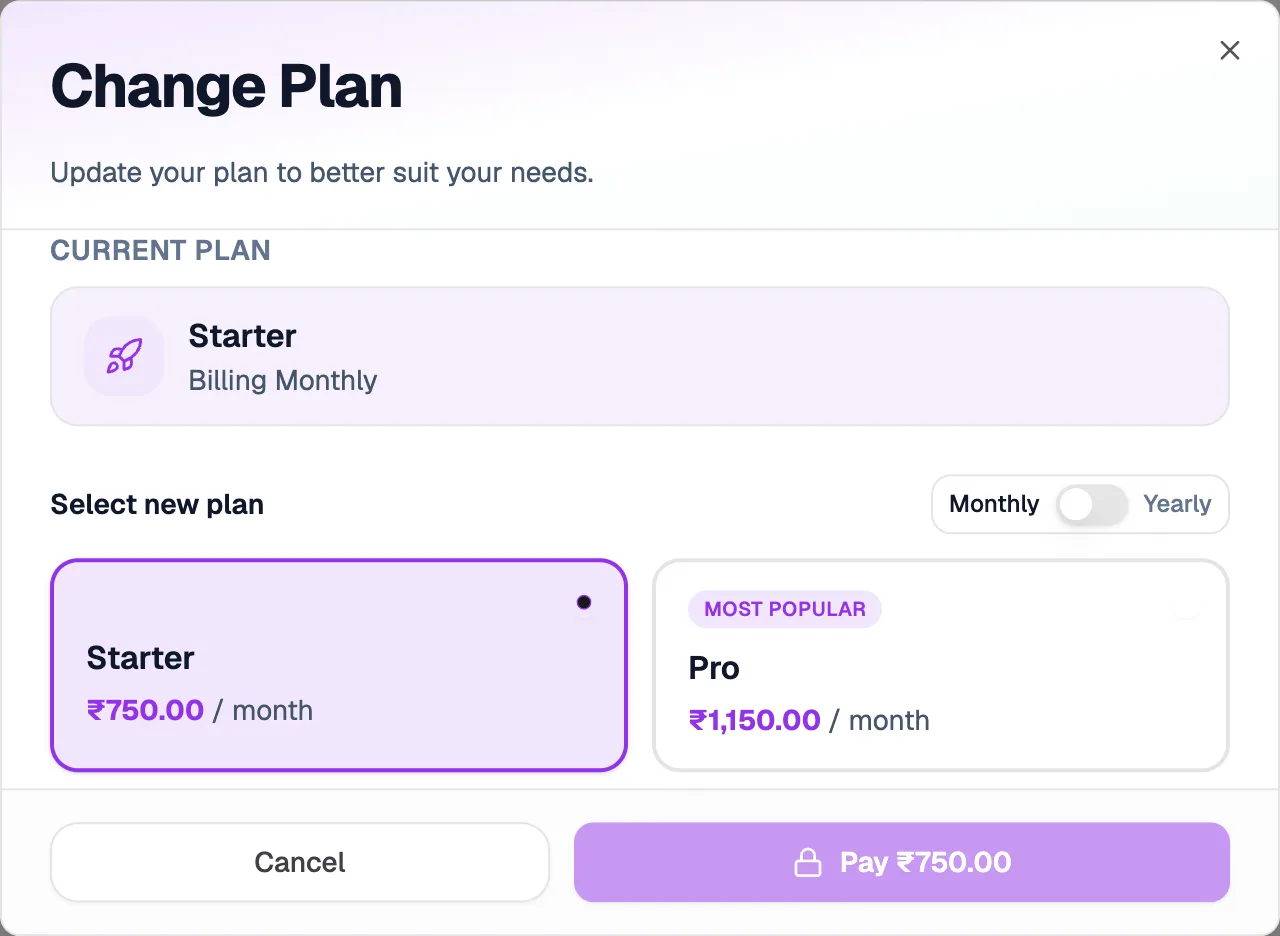
- CancelKeeps your current plan
Moving to a cheaper plan shows Downgrade options: pay now, or Defer payment (if eligible). Credit left on your current plan can be shown as Extended validity instead of a lower price.
Changing or downgrading a plan doesn't give a refund by itself.