Appearance
Your library's site in 2 minutes
Your library has its own website. Once you have an account there, you can book and pay for your seat yourself, any time, from your phone.
What you can do
- Reserve a seat for a time slot or by the hour. See Reserve a seat.
- Renew your seat before it runs out. See Renew your seats.
- Rent a locker for your things. See Reserve a locker.
- Pay online, by UPI QR or at the front desk. See Pay online.
- Download receipts for everything you've paid. See Payments and receipts.
- Read announcements from your library in your inbox. See Your inbox.
Find your way around
After you log in, tap your name at the top right. The menu takes you to every part of your account:
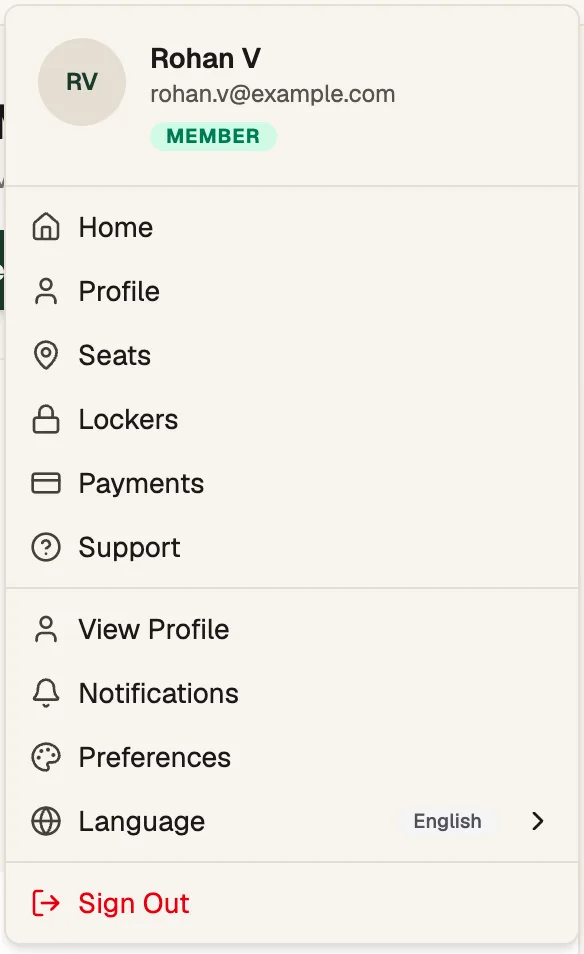
- SeatsYour seats, reserve and renew
- PaymentsPayments and receipts
- ProfileYour details and inbox
- Seats opens My Seats.
- Lockers opens My Lockers.
- Payments opens My Payments.
- Support opens your library's Support page.
These guides on your library's site
You can also open these guides on your library's own address, by adding /docs/for-members/welcome to it, or from the Help button on your account pages. They then show your library's name, and the links take you straight to the right page.
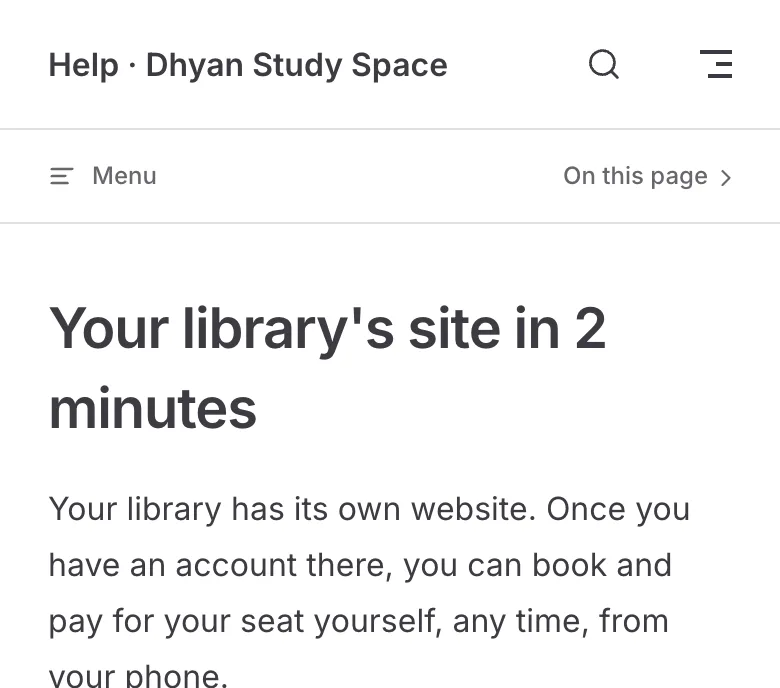
- Your library's nameGuides for your library
Start here
- Sign up on your library's site, or log in if your library already added you.
- Reserve a seat and pay.
- Renew before your seat runs out.