Appearance
How to log in to your library's site
Steps
- Open your library's site and tap Login, or open Log in. On a phone, tapping Reserve a seat also takes you there.
- Enter your Email Address and password, then tap Sign in with Email.
If you signed up with Google, tap Sign in with Google instead.
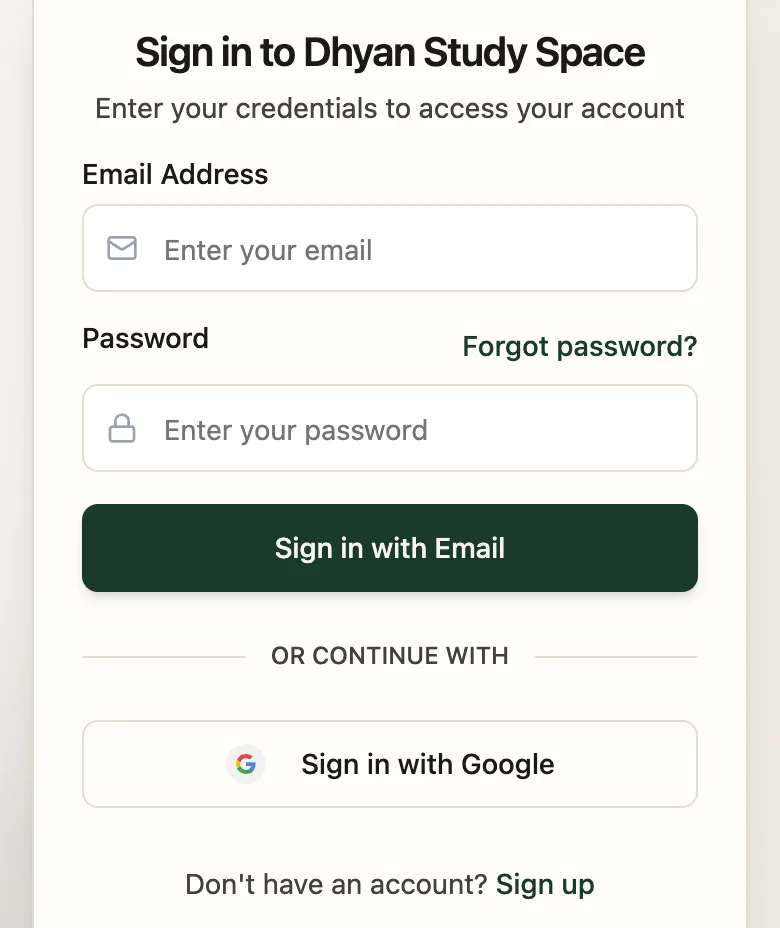
- Email AddressThe one you signed up with
- Forgot password?Get a reset link
- Sign in with EmailLogs you in
Forgot your password?
- On the sign-in page, tap Forgot password?.
- Enter your email and tap Send reset link.
- Open the email and follow the link to set a new password.
Did your library add you?
If the front desk created your account, you'll get an email with a link to set your password. Set it, then log in as above.