Appearance
How to read messages from your library
Your inbox collects updates about your bookings, seats and payments, and announcements from your library, such as holidays or maintenance.
Open your inbox
- Tap the bell at the top of any page to see the latest messages, or
- open Profile and tap Inbox to see them all.
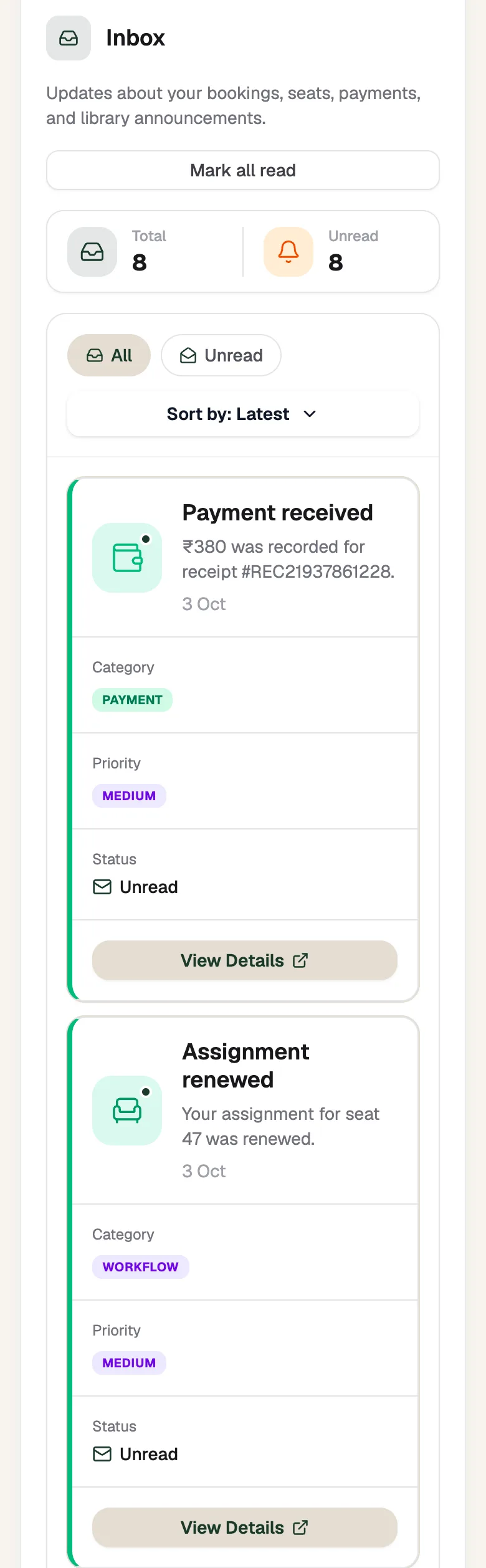
- Mark all readClear the unread count
- View DetailsRead the whole message
Find a message
- The counts show Total and Unread messages.
- Tap All or Unread, and change Sort by to see Latest or Oldest first.
- Each message shows its category (such as payment or announcement), its priority and whether you've read it.
- Tap View Details to read the whole message.